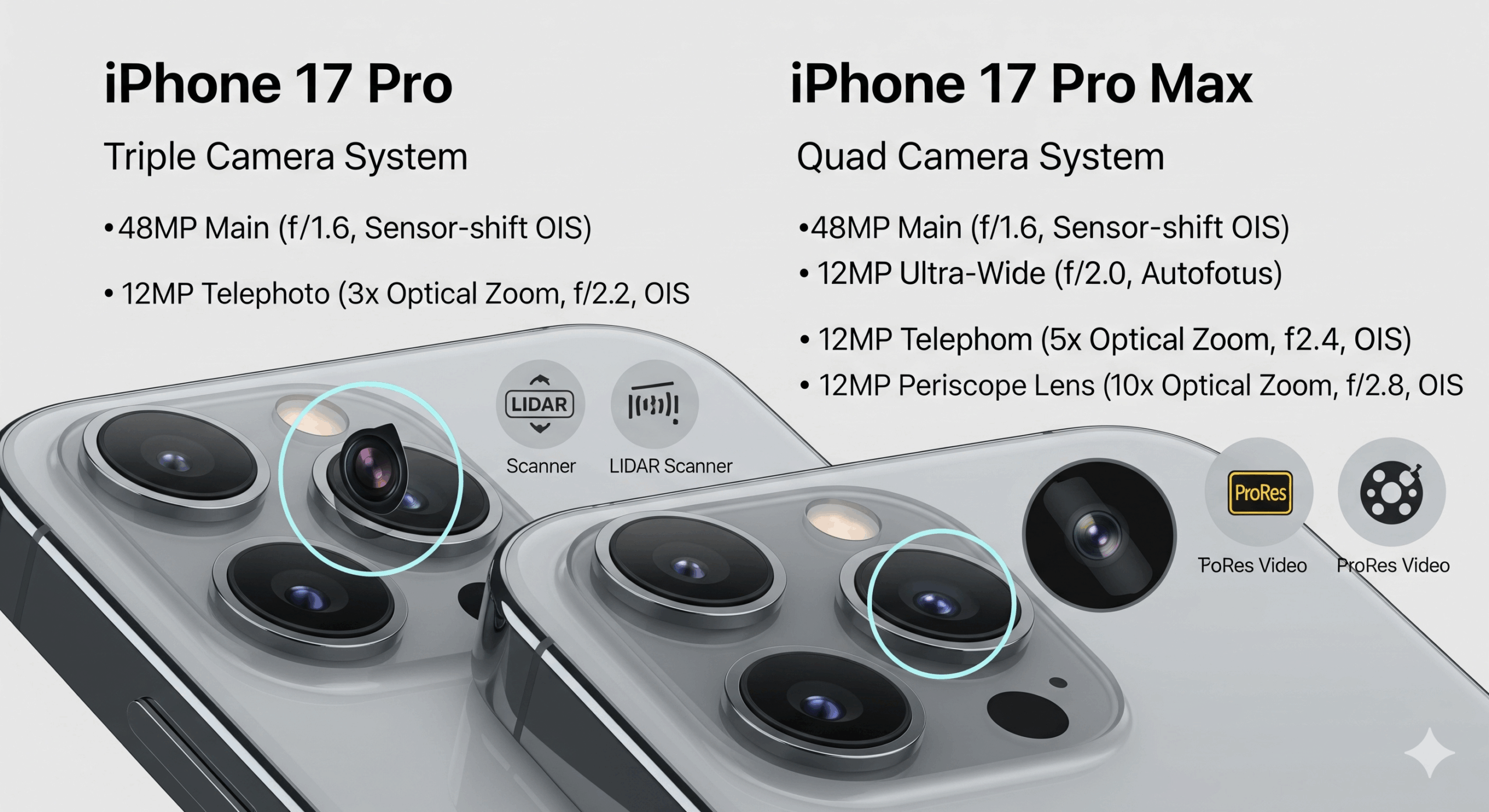
Standard 4K video wastes nearly 30% of a smartphone’s image sensor. By locking the aspect ratio to 16:9, traditional recording modes discard valuable vertical data before the file is even saved. Open Gate recording changes this calculation. Now supported by the iPhone 17 Pro, Samsung Galaxy S25 Ultra, and Xiaomi 15 Ultra, this format captures the complete 4:3 readout of the silicon.
This “shoot once” approach provides the necessary resolution to frame a wide-screen cinematic cut and a vertical social media clip from the exact same file. Below, we examine the data rates, optical requirements, and software tools needed to manage full-sensor mobile cinematography.
The Panoptic Sensor: Open Gate Recording in 2025
Why the iPhone 17 Pro and Galaxy S25 Ultra are ditching the 16:9 crop for a “Shoot Once, Publish Everywhere” reality.
By LensXP Editorial
Updated December 13, 2025
The history of the moving image is a history of the frame. From the square 1.33:1 ratio of the silent film era to the widening vistas of CinemaScope in the 1950s, the boundaries of the image have always been dictated by the delivery medium. For nearly two decades of digital video development, the “active frame” was defined not by what the lens saw, but by what the television screen demanded.
In 2025, this paradigm has collapsed. The catalyst is the democratization of “Open Gate” recording. This feature, once exclusive to high-end ARRI cameras, is now standard on the iPhone 17 Pro, Samsung Galaxy S25 Ultra, and Xiaomi 15 Ultra. Open Gate refers to the ability to record the entire readout of the image sensor, typically in a 4:3 aspect ratio, without a pre-imposed software crop.
Visualizing the Loss
Interact with the sensor below to see how much data is discarded in standard 4K modes versus Open Gate capture.
The Optics of Open Gate
Mobile lenses project a circular image (the image circle) onto the rectangular sensor. A 16:9 crop ignores nearly 30% of this circle’s vertical coverage. Open Gate captures the maximum area of the image circle that the rectangular sensor can fit.
The Anamorphic Connection
The 4:3 aspect ratio of Open Gate is not an accident; it is a legacy of 35mm film that perfectly complements 1.33x anamorphic lenses.
- Standard Spherical Lens: Records a tall 4:3 image. You crop top/bottom for 16:9.
- 1.33x Anamorphic Lens: Optically squeezes a wider field of view onto the 4:3 sensor. When “desqueezed” in post-production, it naturally unfolds into a 16:9 aspect ratio (1.78:1) using the entire sensor height.
Result: 33% more vertical resolution compared to cropping a standard 4K shot to wide-screen.
The Vignette Problem
When the sensor outgrows the glass.
A critical limitation of Open Gate on modern flagship phones, particularly the Xiaomi 15 Ultra and its 1-inch Type sensor, is mechanical vignetting.
Many legacy add-on lenses (from the 2020-2023 era) were designed for smaller 1/1.7″ sensors. When you record Open Gate on a 1-inch sensor, you are recording the absolute edges of the silicon.
Standard 4K Crop
The 16:9 crop cuts off the corners of the sensor. Vignetting from add-on lenses is usually hidden in the cropped area.
Open Gate 4:3
The corners are fully exposed. Legacy 18mm wide-angle adapters or 1.33x anamorphics will show hard black corners, requiring a 5-10% zoom in post-production to clear.
The Mount Wars: Hardware Compatibility
To shoot Open Gate successfully with external optics, the interface between the phone and the lens is as critical as the sensor itself. The legacy 17mm thread standard is failing on larger sensors.
| Mount Standard | Mechanism | Open Gate Viability (1-inch Sensor) |
|---|---|---|
| 17mm Thread | Screw-in (Universal) | Poor (Severe Vignetting) |
| Moment T-Series | Bayonet (Proprietary) | Excellent (Larger optical path) |
| Freewell/Sherpa | Bayonet (Proprietary) | Good (Depends on specific lens generation) |
| 67mm Filter Adapter | Clip/MagSafe | Best (No optics, just filtration) |
The Physics of Acquisition
Smartphones utilize multi-aspect ratio sensors designed primarily for 4:3 still photography. When you record standard 4K video, the image signal processor (ISP) performs a center crop. It ignores the top and bottom of the sensor. This discarded data represents a significant loss of narrative space.
Bandwidth & The Heat Problem
Reading the full sensor height at 60 frames per second requires immense bandwidth. A 4K 16:9 stream pushes approximately 8.3 million pixels per frame. An Open Gate 4:3 stream pushes roughly 12.7 million pixels. This generates substantial heat, often requiring external SSD recording solutions on devices like the iPhone 17 Pro to manage the thermal load.
The Computational Trade-off
Shooting Open Gate, especially in Log or RAW, bypasses much of the computational photography pipeline that makes smartphone video look “good” straight out of the camera. It is a raw data feed, not a processed image.
Stabilization
Electronic Image Stabilization (EIS) requires crop room to work. Since Open Gate uses the full sensor, EIS is often disabled or significantly reduced. Gimbal use becomes mandatory.
Noise Reduction
Standard video modes use multi-frame stacking to reduce noise. Open Gate RAW usually lacks this, meaning low-light shots will show significant grain that must be cleaned in DaVinci Resolve.
Dynamic Tone Mapping
Smart HDR is disabled. You must manually manage exposure. If you clip the highlights in Open Gate Log, they are unrecoverable.
Software Matrix: Enabling the Full Sensor
Native camera apps rarely expose Open Gate. You need third-party tools to bypass the ISP’s default crop.
| Feature | Blackmagic Cam | MotionCam Pro (Android) | Native Camera |
|---|---|---|---|
| Open Gate 4:3 | Yes (All Codecs) | Yes (RAW Data) | No (16:9 Only) |
| Anamorphic Desqueeze | Preview Only | Preview & Bake-in | No |
| Max Frame Rate | 60 fps | 120 fps (Burst) | 60 fps |
| Log Profile | Apple Log / V-Log | True RAW Bayer | Standard / HDR |
Flagship Comparison Tool
The “One Shot” Cropping Strategy
How 4:3 serves every platform.
The primary argument for Open Gate is the “Safety Zone.” By recording a taller image, you create a master file that contains enough vertical data for a 9:16 TikTok cut and enough width for a 16:9 YouTube cut, without physically moving the camera.
Master Frame (4:3)
Professional Color Pipeline (ACES)
Integrating mobile footage into professional timelines requires standardized color science. The Academy Color Encoding System (ACES) allows iPhone 17 Pro footage to sit seamlessly next to ARRI Alexa shots.
ACEScct Workflow in DaVinci Resolve
Step 01: Project Settings
Color Science: ACEScct
ACES Version: 1.3
IDT (Input Device Transform): No Input Transform (if using CST) or Apple Log (if available).
Step 02: Color Space Transform (CST)
Apply a CST OpenFX plugin as the first node.
- Input Color Space: Apple Log / Rec.2020
- Input Gamma: Apple Log
- Output Color Space: ACEScct
Multi-Cam Sync Strategies
Open Gate cameras are frequently used as “crash cams” or B-angles. Syncing them with A-cam footage is difficult due to variable frame rates (VFR). Two methods exist to solve this.
Bluetooth Timecode (Tentacle Sync)
The Blackmagic Camera App (v3.1+) supports native Bluetooth timecode. Using a Tentacle Sync E, the phone can lock its internal clock to the master jam time. This is drift-free for up to 4 hours.
Audio LTC (Aux Method)
For apps without Bluetooth support, pump Linear Timecode (LTC) audio into the phone’s USB-C port via an adapter. The footage will have “screeching” audio on the left channel, which NLEs like Resolve can convert to metadata instantly.
The Rigging Reality
Shooting Open Gate is not a “pocketable” experience. To sustain the high data rates and manage heat, specific hardware is required.
Essential Storage
USB-C 3.2 Gen 2×2 drives are minimum spec. We recommend the Samsung T9 or comparable NVMe enclosures. SD cards cannot sustain the write speeds (200MB/s+) required for ProRes Open Gate.
Power Management
The A19 and Snapdragon 8 Gen 5 chips throttle after 15 minutes of Open Gate recording without cooling. A cage with a dedicated active cooling fan (like those from Tilta or SmallRig) is mandatory for long-form shoots.
The Base ISO Challenge
When shooting Log in Open Gate, most phones lock to a high Base ISO (often ISO 800 or 1250) to preserve dynamic range. In daylight, this results in overexposed images unless you increase shutter speed, which destroys cinematic motion blur.
The Fix: ND Filters
Variable ND filters (ND2-32) are not optional for Open Gate. They allow you to maintain the 180-degree shutter rule (1/48 or 1/50 sec shutter) while keeping ISO at its native base.
Frequently Asked Questions
Yes. Because the ISP is processing approximately 50% more pixels per frame (12.7MP vs 8.3MP), power consumption increases significantly. We recommend external power banks for long shoots.
No, standard lenses work. However, 1.33x anamorphic lenses are particularly effective as they desqueeze the 4:3 Open Gate image into a perfect 16:9 aspect ratio, utilizing the full sensor height.
Technically, yes, by setting the photo aspect ratio to 4:3 and holding the shutter button (QuickTake). However, this often lacks the bitrate and codec control of professional apps like Blackmagic Camera.